
Cell and Row Viewers
Structured cell values open in dedicated viewers: JSON, PHP serialized data, and binary blobs. A per-column Display As format controls how a column renders and which viewer opens. The row details inspector shows every field of the selected row with the same editors.Display As formats
Right-click a column header and pick Display As. The submenu lists the formats that fit the column type, with a checkmark on the active one.
Formats are display only: they never change the stored value. Overrides persist per column, scoped to the connection and table.
TablePro also auto-detects two cases:
BINARY(16) columns with id-like names and CHAR(32)/CHAR(36) columns named uuid or guid render as UUIDs, and integer columns named *_at, *_time, *_timestamp, created, updated, or modified render as dates when sample values fall in a plausible range. A manual Display As choice always wins over detection.
JSON viewer
- JSON-typed column: click the chevron in the cell. Double-click or
Enteredits the value inline instead. - Text column holding JSON: set Display As > JSON, then double-click or
Enter.
- Text: syntax-highlighted JSON, pretty-printed. Editable when the cell is editable.
- Tree: collapsible tree with a search field. Read-only navigation.
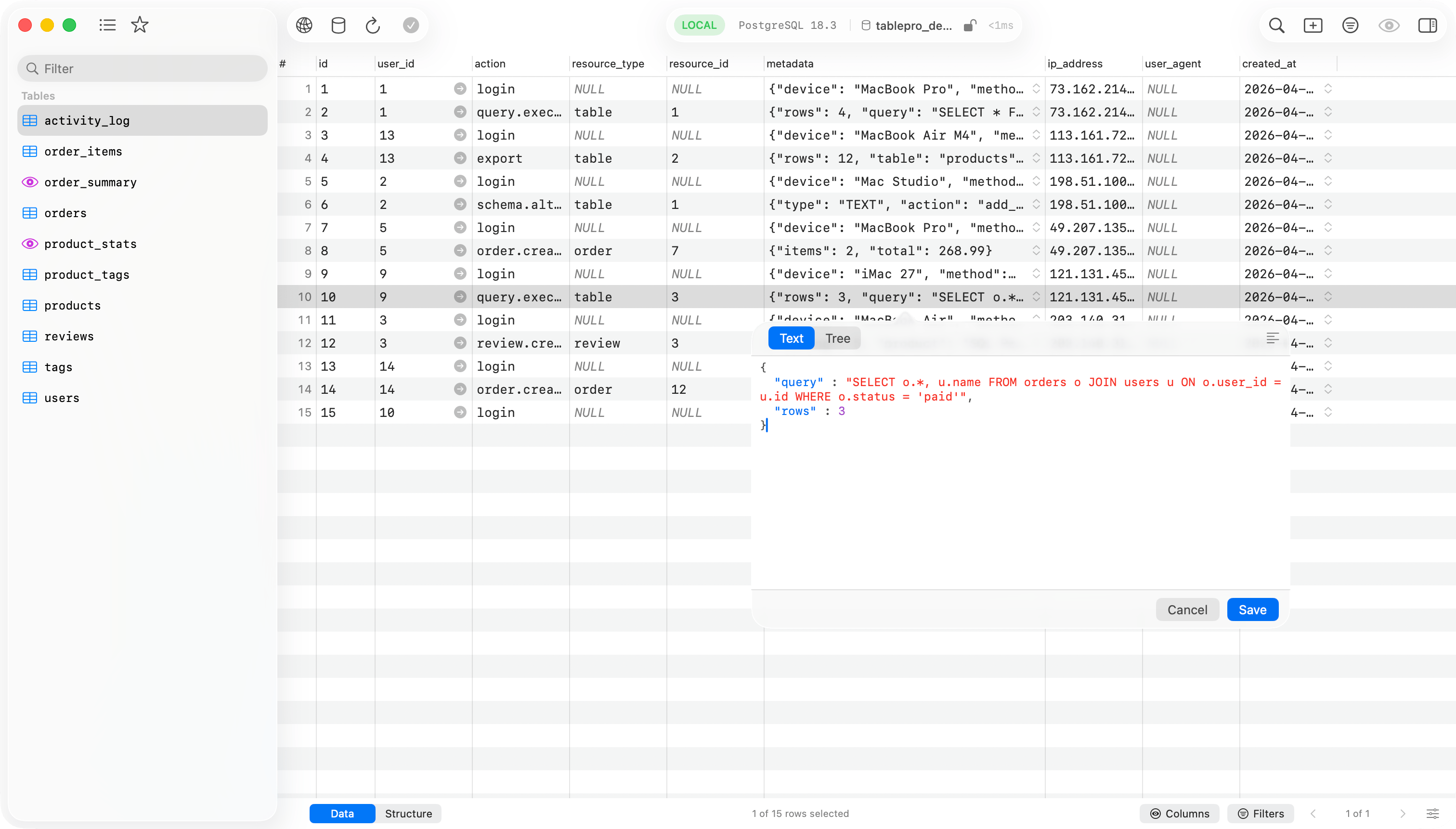
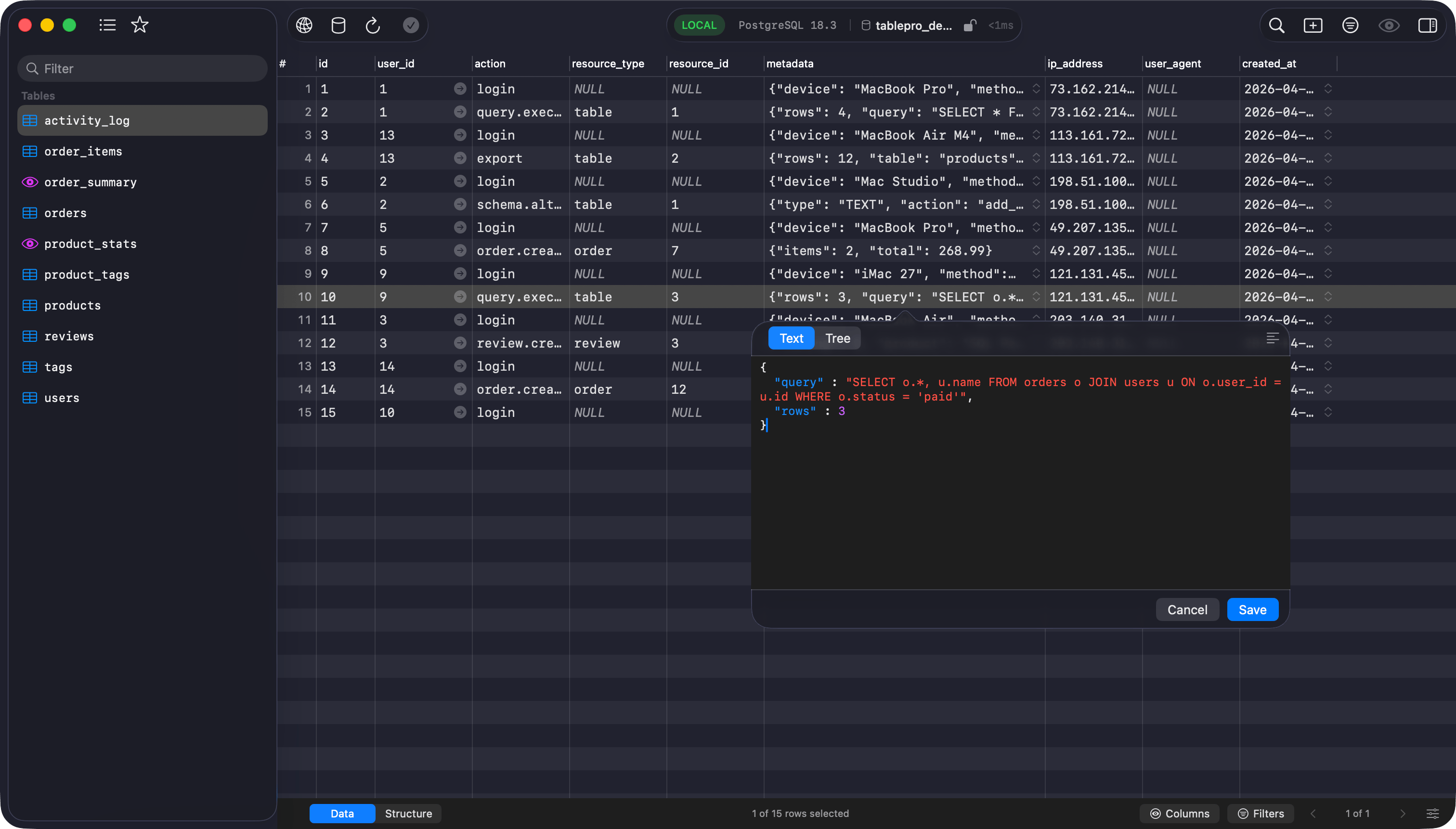
JSON editor popover with Text and Tree modes
Cmd+,) > Editor > JSON Viewer > Default view.
Click the pop-out button in the toolbar to detach the viewer into its own resizable window. The window supports fullscreen.
Editing
Opening a value and seeing it pretty-printed is not an edit. The row is marked changed only when you alter the content, so browsing JSONB row by row stays clean. Save commits a compact value, with key order and numbers preserved, through the standard change tracking flow. If the text is not valid JSON, the viewer asks before saving.PHP serialized viewer
Set Display As > PHP Serialized on a text column, then double-click orEnter. The viewer is read-only: PHP serialized values round-trip through PHP itself, so TablePro does not write them back.
- Tree: collapsible tree with search. Nodes show type badges (
str,int,arr,obj,ser,ref). Protected object members show aprotectedbadge; private members showprivate (ClassName). Custom-serialized classes (theC:token) appear as a single opaque leaf; references (r:/R:) show as→ #Nand are not followed. - Raw: the original serialized string with text selection.
Blob and hex
Blob cells render in the grid as compact hex (0x48656C..., first 64 bytes). Click the chevron or double-click to open the hex popover:
- A classic hex dump (offset, byte columns, ASCII), capped at 10 KB.
- On editable tables, an editable hex field below it. It accepts spaced or continuous hex, with or without a
0xprefix. Invalid hex disables Save; values over 10 KB open read-only.
Row details inspector
View > Toggle Inspector (Cmd+Option+I) opens the right sidebar. Select a row and every field appears with an editor matched to its content:
- JSON columns, and text values that parse as JSON, get the JSON editor. No Display As step needed.
- PHP serialized values are auto-detected the same way and get the read-only tree.
- Blob columns get the hex editor; enum, set, and boolean columns get pickers.

Row details inspector with per-field editors